adobe
-
Fixing A Slow Premiere Pro in 2025
There are 2 reasons why Premiere Pro is running slow, First is your Device Itself may be too slow to handle modern editing. The second is The project itself, Try rendering finished parts of the project, will lessen demand. well… Continue reading
-
Must-Have Premiere Pro Effects for Video Editing
The Top Ten effects In Premiere Pro are: Zoom, DeNoise, Gaussian Blur, Fade In/Out, Ultra Key, Surround Reverb, Dissolve, Gain, Warp Stabilizer and Remix Tool. Using these 10 Effects will bring your videos to the next level and make them… Continue reading

-
How To Learn Premiere Pro In 2024
To Learn Premiere Pro, Learn the Fundamentals and just start editing. learning from short tutorials when you need them is far more efficient at building editing knowledge, Rather than all in one go. First things first, If you prefer to… Continue reading
-
Step-by-Step Resizing Video In Premiere Pro
To Resize a Video Head to Sequence > Sequence Settings > Frame size. Simply Adjust the Horizontal and Vertical Pixels To your desired rate. YouTube is 1920 x 1080, Tik Tok is 1080 x 1920. I have a Video here… Continue reading

-
Step-by-Step Guide to Blurring Video Backgrounds
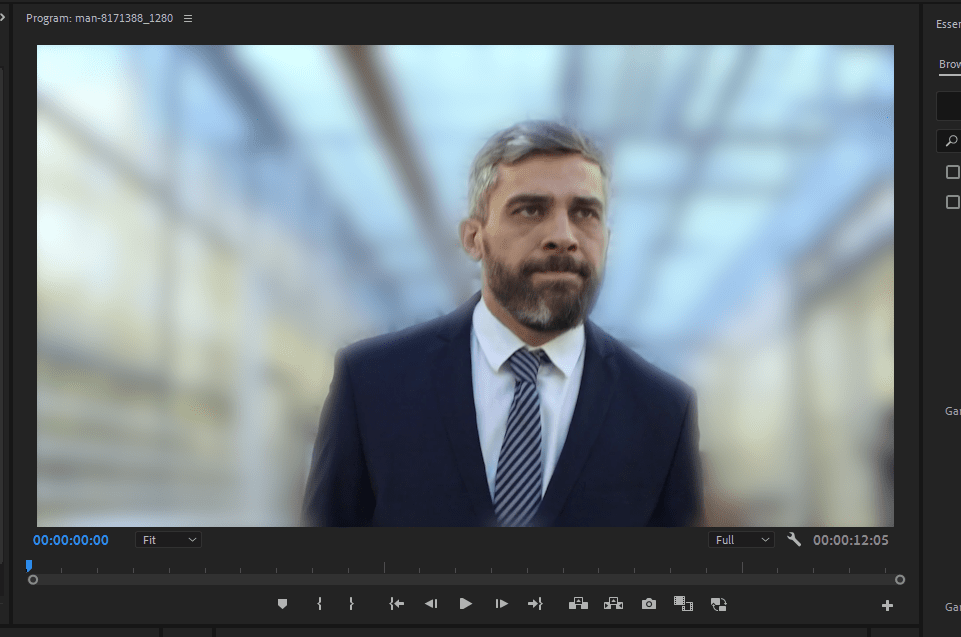
To Blur a Background In premiere Pro, You should Use The Gaussian Blur effect and create an Inverted mask over your subject. Then Adjust Your Blurriness To Your Desired Outcome. You Want to Add Mask Feather to smooth the effect.… Continue reading
 Video Wizard